
Download
Rekio POS for your tablet.
One free Android app runs your counter till and your kitchen display. Download it on the device itself.
- Version
- 1.2.0
- Build
- 26
- Requires
- Android 7.0+
- Price
- Free
Updating? Install over the top.
Do not uninstall first. That clears the till's pairing and it will need setting up again.
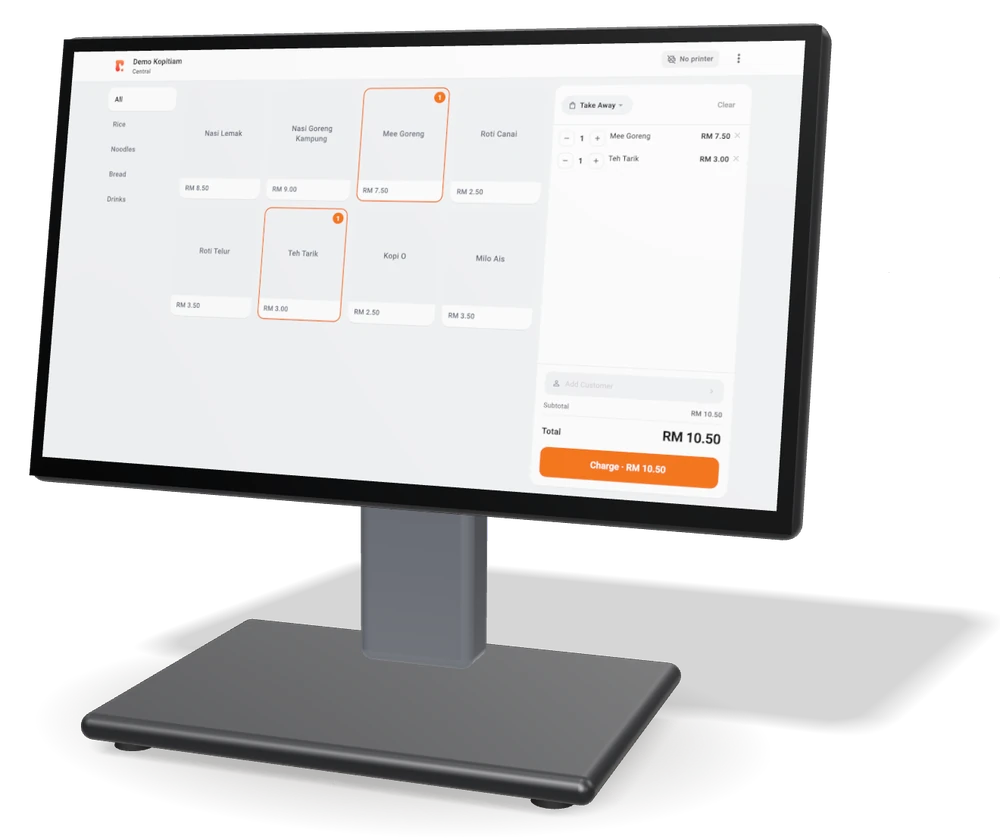
Which device runs what
Only the counter and the kitchen need the app. Everything else opens in a browser.
Kitchen display
The same app, paired as a kitchen screen
iMin K2-201, or a second Android tablet
TV queue board
A web page, opened on the TV
Smart TV browser, Android TV stick, or a laptop
Owner back office
Your shop's page, in any browser
Phone, tablet or computer
iPhone or iPad
Rekio POS for iOS
Not available yet
Install guide
Four steps, once per device.
-
01
Open this page on the device
On the terminal or tablet itself, open this page and tap Download for Android.
-
02
Allow the install
Android may ask for permission to install from this source. Turn it on once, then go back.
-
03
Confirm if prompted
If a warning mentions apps from outside the Play Store, choose Install anyway. This is expected.
-
04
Open Rekio POS and pair
Tap Set up this till. In Rekio on your computer or phone, open Settings › Devices › Pair a till and scan the QR it shows, or tap Pair by code on the till and type the code there.
Stuck on a step? Send us a screenshot.
WhatsApp us